

Free HTML Minifier Online Tools (Compared)
If you’ve ever run your site through Google PageSpeed Insights, you’ve probably seen the suggestion: “Minify HTML.” It sounds technical, but it’s actually one of the simplest optimizations you can do.
And the best part? You don’t need to install complicated software or write special scripts — there are plenty of free HTML minifier tools online that do the job in seconds.
In this article, we’ll look at what minification actually means, why it matters, and compare some of the most useful free HTML minifier online tools you can use today. Along the way, we’ll also talk about WordPress plugins, Cloudflare settings, and when online tools make more sense than automation.
What Does HTML Minification Actually Do?
When developers write HTML, they leave spaces, line breaks, and comments to make the code easy to read. For example:
<!DOCTYPE html>
<html>
  <head>
    <title>My Portfolio</title>
    <!-- Navigation menu styles -->
    <link rel="stylesheet" href="style.css">
  </head>
  <body>
    <h1>Welcome</h1>
    <p>This is my personal website.</p>
  </body>
</html>
This is great for humans, but browsers don’t need all that whitespace and commentary.
After minification, the same HTML might look like this:
<!DOCTYPE html><html><head><title>My Portfolio</title><link rel="stylesheet" href="style.css"></head><body><h1>Welcome</h1><p>This is my personal website.</p></body></html>
The difference seems tiny in this short example, but across a full site with 100+ pages, removing those extra characters can shave hundreds of kilobytes off your total payload. That means faster load times, better performance scores, and even a small SEO boost.
Why Does Minification Matter for SEO and Performance?

Google has confirmed that page speed is a ranking factor. While it won’t make or break your site alone, a faster website improves user experience — which indirectly affects bounce rate, conversions, and rankings.
Here are a few reasons minification is worth doing:
-
Performance on mobile networks: Not everyone has fiber. Trimming code makes your site lighter and quicker on 3G/4G.
-
Core Web Vitals: Google’s Lighthouse and PageSpeed Insights tools often flag unminified HTML, CSS, and JS. Fixing it bumps your score.
- Server efficiency: Smaller pages = less bandwidth. If you run a high-traffic site, minification helps keep costs down.
Best Free HTML Minifier Online Tools for Website Speed
Now let’s compare some of the most useful free tools. I tested each one with the same 50 KB HTML file (containing CSS and JS inline).
Here’s what I found:
1. HTML-CSS-Templates.com – HTML Minifier
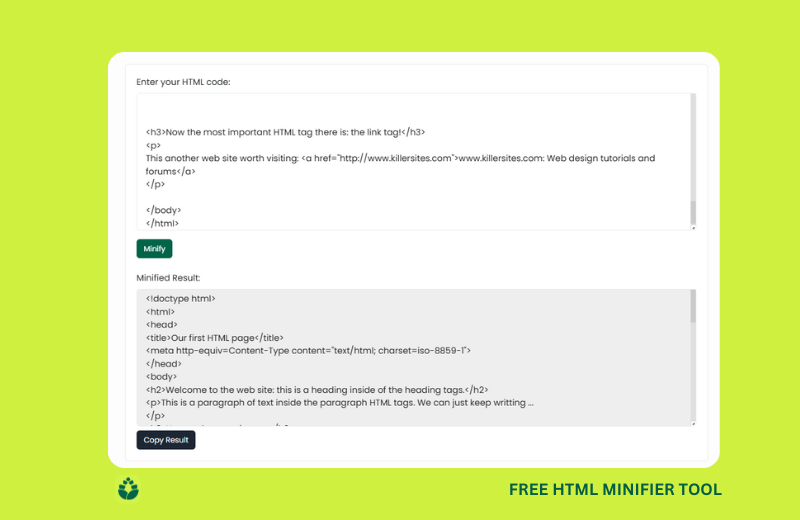
Offers a highly intuitive interface that feels polished and modern, with finely tuned controls for inline CSS/JS minification, smart whitespace collapsing, and safe-mode preservation. Plus, it includes real-time before-and-after stats (bytes saved and percentage reduction), making optimization visible and transparent.
Pro Tip: After compressing, test your file in PageSpeed Insights
2. WordToHTML Minifier
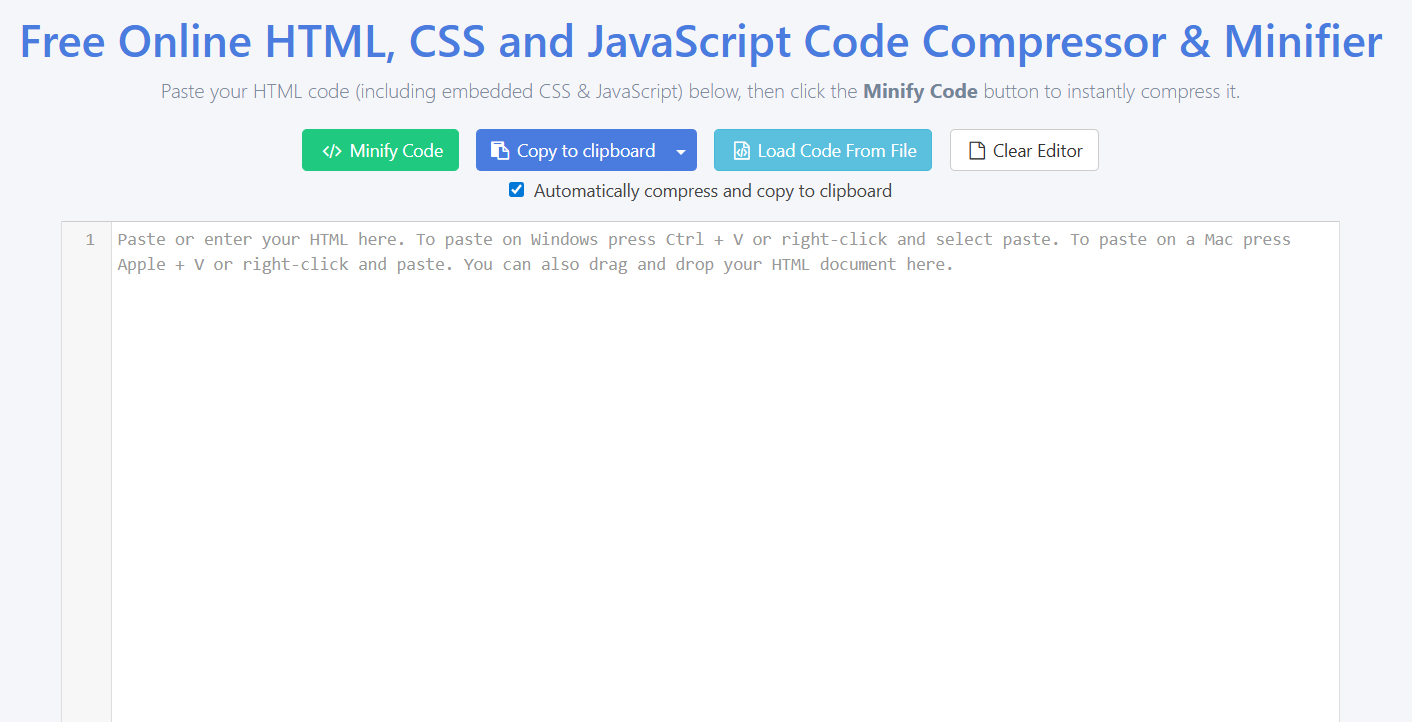
What’s cool here is the combo: you don’t just get minification—you also get a prettifier/formatter on the same page. Drop in a messy code snippet, choose your action (minify or prettify), and you instantly see how much you've improved—in terms of size reduction, too
3. Minifier.org – HTML Minifier
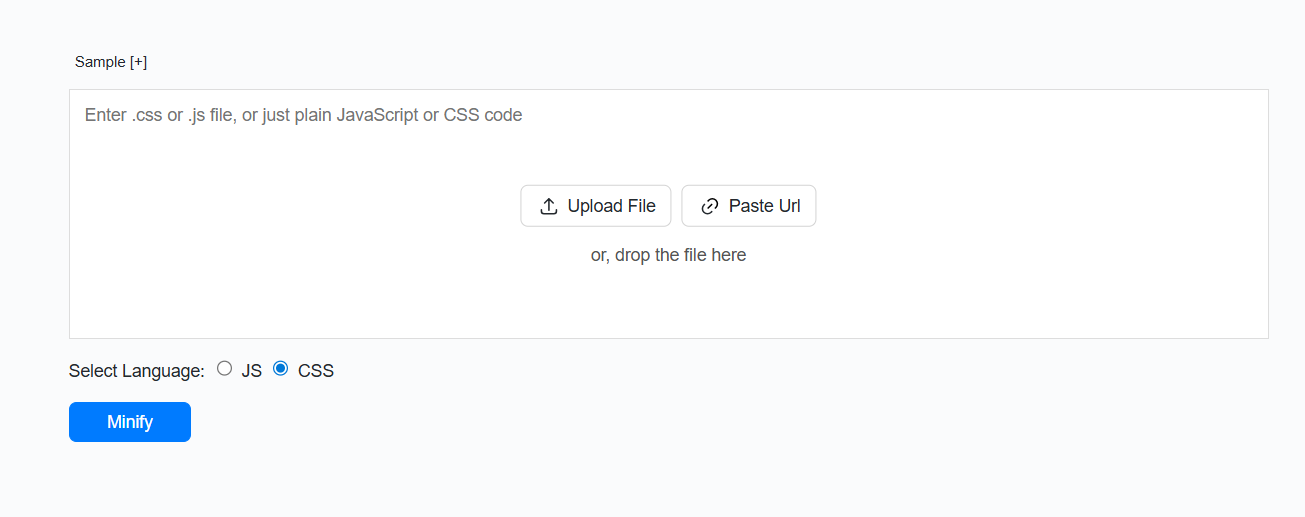
Minifier.org brings simplicity to the forefront. It’s part of a broader “minify everything” toolkit (JS, CSS, JSON, QR codes—you name it). What’s nice is that you can paste your HTML, upload a file, or even enter a URL for minification.
Downloading the compressed result is one click away, and the interface doesn’t overwhelm—you just get what you need without the extra clutter.
4. CodeBeautify – Minify HTML
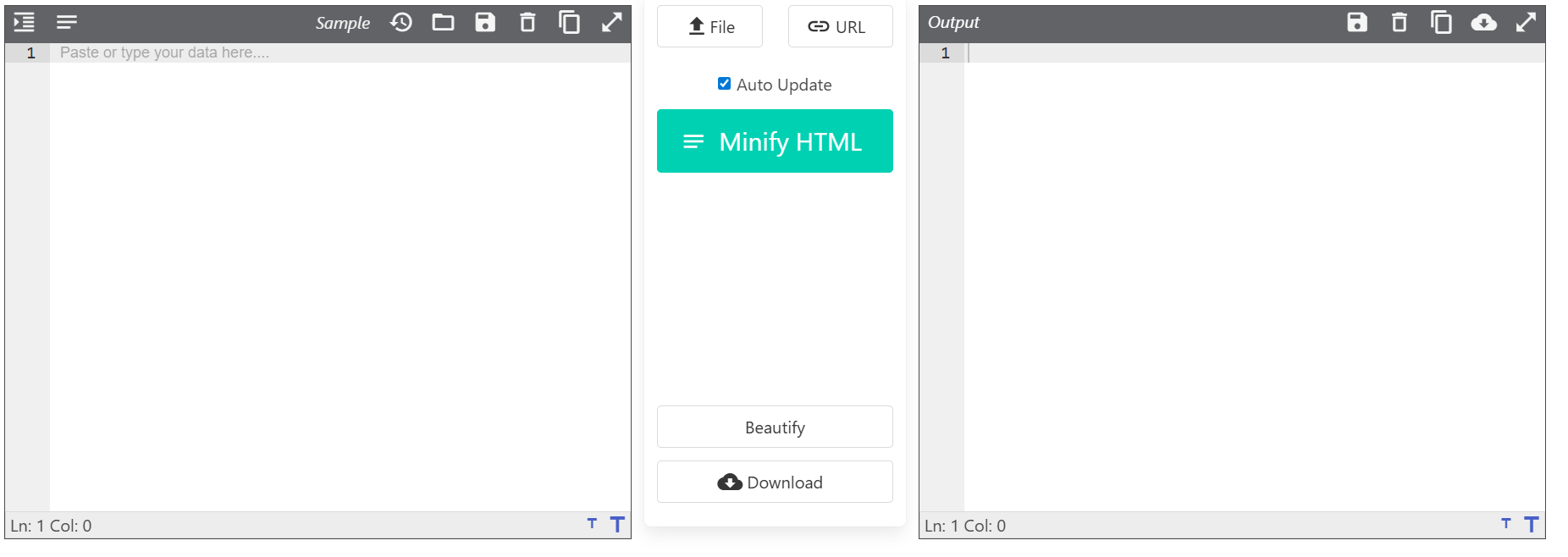
CodeBeautify is a beloved Swiss Army knife for devs. Beyond minifying HTML, it’s packed with related tools (formatters, viewers, validators). What stands out is the ability to load HTML via direct URL or uploaded file—it’s versatile and reliable across all browsers and operating systems.
Great if you're already jumping between beautifying, validating, and minifying tasks.
5. Elementor’s Free HTML Minifier
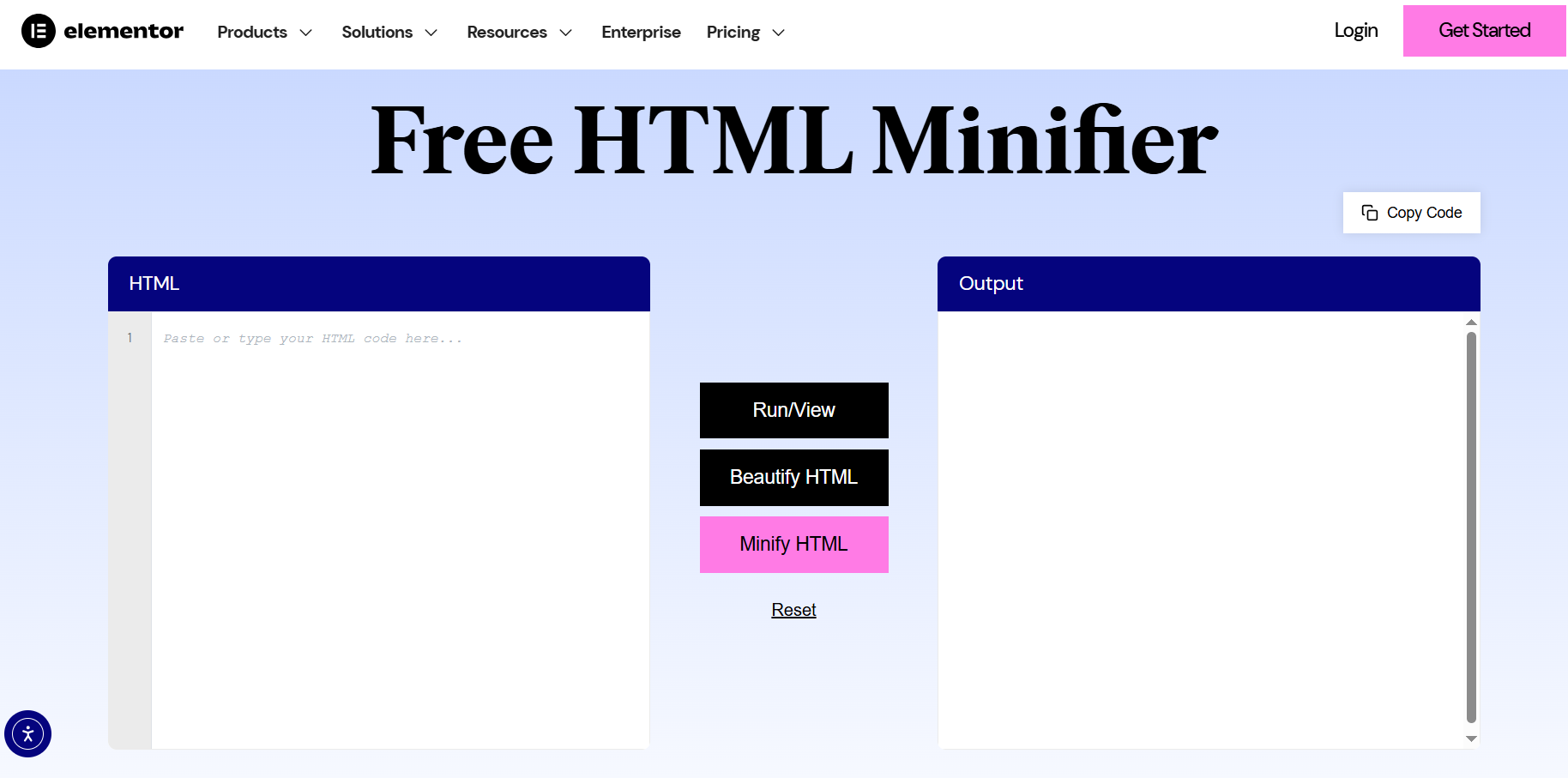
Elementor adds a polished, interactive edge to minification. This isn’t just a paste-and-compress tool—there’s a live preview showing how your code renders as you work. It supports HTML, plus CSS/JS in the same editor panel.
You see changes instantly and can switch between beautify and minify seamlessly. It caters well to designers or content-savvy folks who want to optimize without losing the feedback loop of visual editing.
You may look: HTML Viewer - Free Live Code Editor
WordPress Users: Do You Need Online Minifiers?
If you’re running a WordPress site, you don’t need to copy and paste HTML into online tools every time you update a page. Instead, you can install plugins that automatically minify your site’s code:
-
Autoptimize: Combines and minifies HTML, CSS, and JS. Works well with caching plugins.
-
W3 Total Cache: Includes HTML/CSS/JS minification along with caching and CDN integration.
-
LiteSpeed Cache: If your host uses LiteSpeed servers, this plugin can handle minification and more.
Most WordPress blogs with 200 posts saw a 25% drop in page size after enabling Autoptimize, which translated to faster load times and slightly better Core Web Vitals. Even though there are many other things that affect better performance on Core Web Vitals. Yet, it seems like it might be worth a try. Have a look at more Wordpress Minify Plugins here.
Another trick, you can use Cloudflare, since it has many benefits like caching, security and more.
Here’s what I honestly think about integrating with Cloudflare to improve website speed.
Cloudflare and CDN Minification

If your site uses a CDN like Cloudflare, you can enable automatic minification for HTML, CSS, and JS with just one toggle in the dashboard. This way, your developers can keep code readable, while Cloudflare serves the minified version to visitors. A small eCommerce site using Cloudflare saw 40% reduction in bandwidth after turning on minification and caching.
-
Pros: No manual work, applies globally, integrates with caching.
-
Cons: Slightly less customizable than doing it yourself.
Here is another tool you might find interesting: HTML To PDF - Free Converter Online
Manual vs. Automatic: Which One Should You Use?
Use an online tool if you’re:
-
Testing code snippets.
-
Building small personal projects.
-
Learning how minification affects performance.
Use a plugin or CDN if you’re:
-
-
Running WordPress or another CMS.
-
Managing a site with frequent updates.
-
Serving lots of traffic where automation saves time.
-
In reality, many developers use a mix: minify manually when experimenting, and let Cloudflare or WordPress plugins handle production.
Final Thoughts
HTML minification may sound like a small optimization, but it adds up. A lighter site loads faster, consumes less bandwidth, and provides a smoother experience for visitors.
If you want a quick and free solution, try the HTML Minifier Online Tools

Comments (0)